OpenClaw + Hermes Companion

Meet your Desktop Claw.

Your AI, alive on your desktop. DesktopClaw wraps your OpenClaw or Hermes Agent session in a reactive animated companion — tracking tasks, taking voice and text commands, and keeping you informed without dragging you back to the terminal.

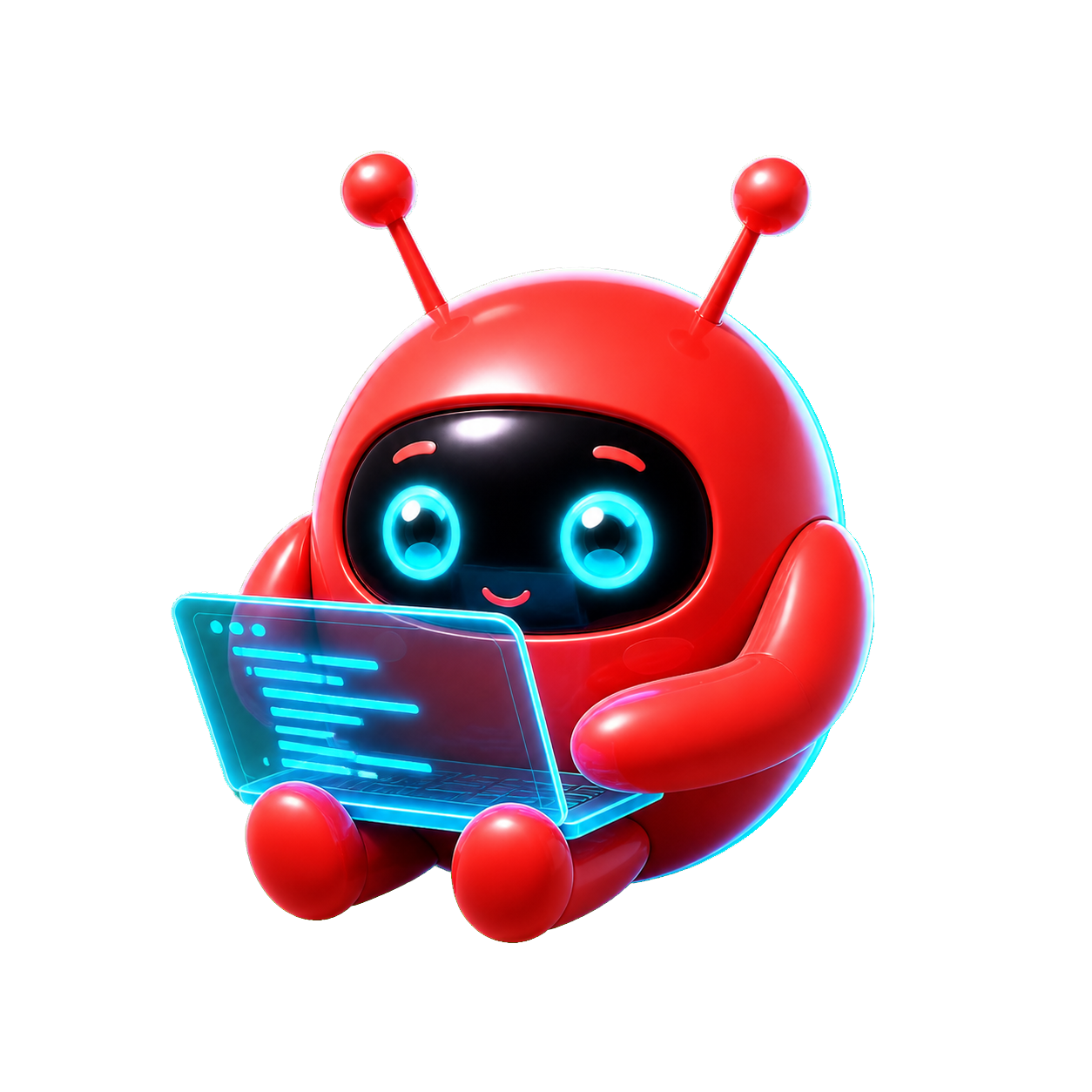
Watching your session

visibilityState-Aware micVoice Input notifications_activeLive Feedback boltQuick Actions chat_bubbleText Chat monitorPersistent UI extensionOpenClaw + Hermes petsDesktop Pet task_altSession Visibility visibilityState-Aware micVoice Input notifications_activeLive Feedback boltQuick Actions chat_bubbleText Chat monitorPersistent UI extensionOpenClaw + Hermes petsDesktop Pet task_altSession Visibility

More than a pet.
A working companion.

Your agent is powerful. But it should not disappear into a terminal, browser tab, or remote gateway. DesktopClaw stays with you.

visibility

State-Aware at All Times

DesktopClaw tracks the active request lifecycle. Thinking, running, completed, waiting for input, or error — it knows the difference, and it shows you.

mic

Voice & Text, Your Choice

Talk to your instance when typing would break your focus. Switch to text when you need precision. DesktopClaw handles both, relaying your input directly to OpenClaw or Hermes Agent.

notifications_active

Feedback You'll Actually See

DesktopClaw persists on your desktop. Task progress, replies, completions, errors, and follow-up prompts surface where you are, right when they happen.

bolt

Activity History Built In

A compact activity bubble keeps running tasks visible. Open it to review current jobs, completed chats, older faded history, and errors without covering the assistant.

Reactive by design

It knows what's happening
because it's always watching.

DesktopClaw mirrors your agent's real session state — giving you a glanceable read without switching windows.

DesktopClaw state preview
circle Watching…

Get started

Installer or standalone.

Download the Windows installer or portable standalone build from Releases. Developers can still run it from source when testing local changes.

bash
$ Download DesktopClaw Setup.exe from Releases
$ Or grab the portable standalone .exe
$ Choose OpenClaw or Hermes Agent in settings # tray menu
download Releases bug_report Report a bug